


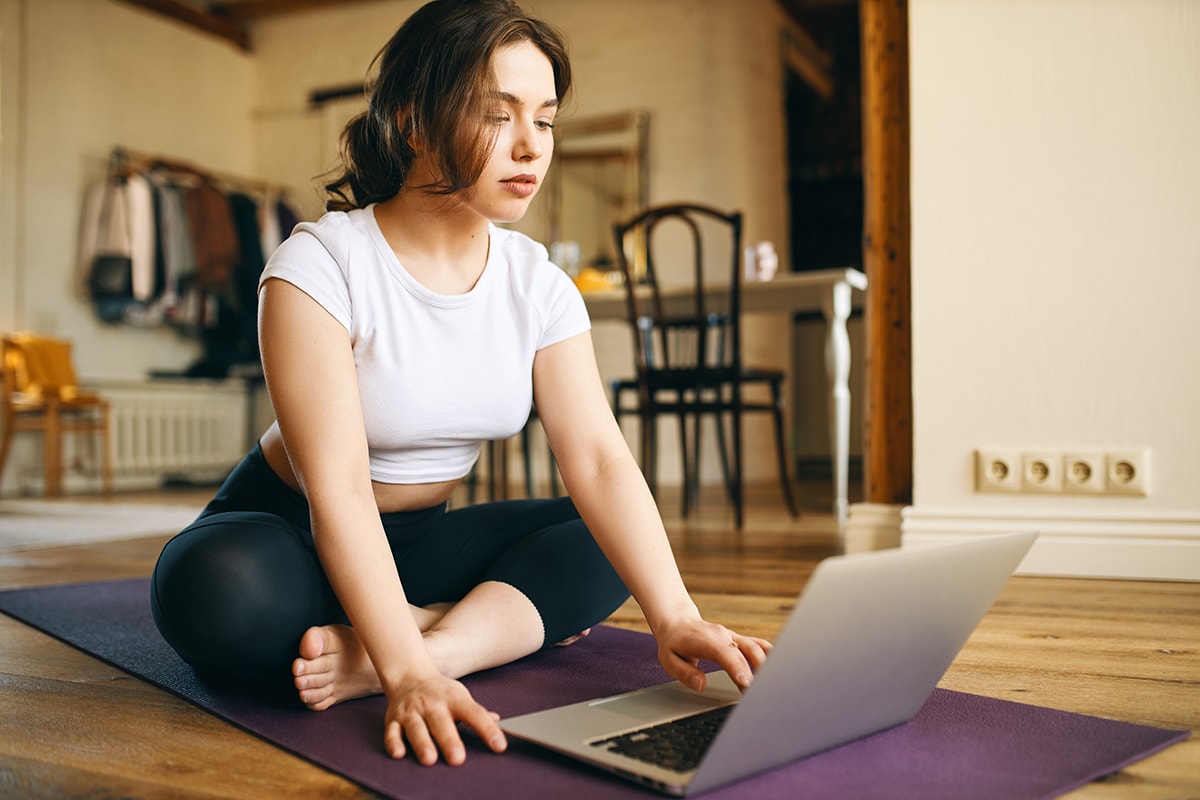
3 Easy Ways to Conduct Online Training
Did the pandemic force you to move your workouts online? After the closure of gyms, swimming pools, and fitness clubs, it’s easy to fall into despair and worry about the future. However, don’t lose hope; instead, treat this situation as a new challenge.
Note that personal trainers have been operating online for quite some time. Online classes are not only feasible but also expand your possibilities. More and more people live irregularly or reside far from big cities — digital workouts are sometimes the only way you can reach them.
To convince your clients to take advantage of this form of exercise, just use a simple example from the March lockdown. About 40% of club members opted for online training at that time. When they finally returned to the training rooms at the end of May, their fitness levels were significantly better than those of their peers who did not take advantage of this option.
Are you worried that your sport is not suitable for conducting online sessions? It’s true that some of them, especially team sports and swimming, are difficult to execute in a home environment. In these cases, however, focus on supplementary training and aspects that you usually didn’t want to spend time on during in-person meetings.
Do you conduct Pilates, aerobics, or a similar discipline? That’s great — these sports work so well in an online format that your clients will gain access to a full-value workout without leaving their homes.
How to prepare for online training?
Before inviting participants to online classes, take care of a few essential details. Without them, your training will not look professional, which may discourage clients and negatively affect your image. What is necessary?
- Space
For comfortable work, you need an appropriate space. Your home or apartment is not always the best choice, especially if you have a multi-person family and kids in remote learning. Look around — maybe there’s a room in your area that you could rent for your needs and conduct classes there freely?
If you cannot rent a room and are left with your own four walls, remember to keep it tidy. Of course, you don’t have to convert your living room into a fitness studio, but drying clothes or piles of papers in the background can be off-putting.
- Camera
You don’t need to invest in expensive equipment — nowadays, a phone guarantees good enough resolution and brightness that it should be sufficient. You will achieve the best results using a wide-angle lens — otherwise, it will be difficult to fit into the frame. Currently, many smartphones have multiple lenses, one of which is wide-angle — it’s very likely that your model has it too.
To avoid worrying that your phone will shift or fall during recording, invest in a tripod with a phone holder. Depending on the model you choose, it costs around 50 to 100 PLN.
- Microphone
In a small room, the built-in microphone in your phone should suffice. However, if there’s an echo in the room where you conduct classes or additional noise in the background, an external microphone will significantly improve the recording quality. You have several options to choose from — a directional microphone that plugs into the mini jack socket on your phone, a wired microphone, or a wireless one.
- Lighting
You’ve prepared everything, you’re testing the recording, and… your figure turns out to be a black spot in the middle of the screen. When you have windows behind you and it’s bright outside, it’s easy to achieve such an effect. To avoid this, try to find a place where the windows are behind the camera and turn on all available lights. For an even better effect, invest in additional lighting. Usually, even one stronger softbox makes a big difference.
- Participants’ capabilities
Most of your clients probably live in apartments — keep this in mind when planning exercises so that they can fit in an area of about 1 x 2 meters.
3 ways to conduct online training
Everything ready? It’s time to start recording. You have the option to prepare ready-made videos, one-sided…
transmission or teleconference. Which form will work best for you?
1. Pre-recorded video
To prepare such a training session, record each exercise or segment separately, and then edit the video to make it appealing to the audience. Use a program that you have on hand, such as the “Photos” app if you are using Windows or “iMovie” if you have an Apple computer. Prefer to edit the video on your phone? Look for the right app in the Google store, such as Movie Creator.
Once you have the recording ready, publish it on YouTube, Facebook, Instagram, or another platform. In the case of the first option, you can decide whether to share the video with everyone or only with those to whom you send the appropriate link. It’s good to use both options – limiting visibility allows you to share the material only with clients who have a paid subscription, while sharing it with everyone gives you exposure online.
Preparing a pre-recorded video has many advantages – the recording can serve you multiple times, and each client can open it at their convenience, even multiple times. However, by choosing this option, you need to spend a lot of time on recording and editing, and you also miss the chance for interaction with the participants.
2. One-way broadcast
This term refers to conducting the entire training live, during a broadcast at a specific time. This option is available on YouTube, Facebook, and Instagram.
Live broadcasting is a very good promotional tool – through it, you can convey your energy and engagement to the participants. Setting a time for the training mobilizes participants, but even if they cannot attend the broadcast at the specified time, they will be able to replay it for some time afterward.
The broadcast does not require you to spend additional time on recording and editing the video, but it still has one downside – the inability to see what your viewers are doing on the other side of the camera.
3. Teleconference
Do you want to have contact with your participants during the classes? A teleconference is the only form that allows you to do this. Regardless of which platform you choose – Zoom, Webex, Jitsi Meet, or another, it is necessary to require participants to have their cameras on but microphones off during the training. This is important to avoid communication issues that negatively affect the course of the classes and do not allow you to stay on schedule.
If you have the opportunity, consider conducting the classes with two trainers – one will present the exercises, while the other will monitor the participants’ work and encourage them to exercise.
Your trainees want to continue taking care of their fitness – online training will help maintain contact with them and keep them in shape. Don’t worry about the lack of a professional studio or film crew – the most important thing is your engagement, which will help the participants get through this unusual time and motivate them to work on their fitness.

I am a graduate in Managerial Economics as well as Finance and Accounting, with a specialization in Marketing. Since 2018, I have been working as a Copywriter at Balanced Body, where I create marketing content for the fitness and Pilates industries. One of my particular strengths is translating complex topics into accessible language and accurately analyzing the needs of target audiences. Outside of work, I am passionate about fire shows and volleyball, which helps me better understand the needs of physically active people.